LoreMaster.io Inspiration Tool Update!
Added 2022-03-04 19:57:21 +0000 UTCLoreMaster.io has been updated! This update includes a feature in early development, called the inspiration tool that a few of you may remember as it was live during the alpha test. This feature has been changed a bit since then, but is generally still considered to be in an early stage. We hope that you can find it useful, and would love your feedback on the tool!
New Stuff:
The Inspiration Tool
Revert from the image effect (image mask) - A better version will be included in a future update but as an optional effect
Added a new block template, an NPC block intended for details for minor NPCs
A quick introduction to the Inspiration Tool
The inspiration tool is an early-stage tool for idea generation during your world creation process. It’s intended to inspire you if you feel your creative process is slowing down. You access inspiration tool by pressing the flame icon in the top right corner next to the node panel icon and the session mode icon!

The actual inspiration part of the tool is split into 4 parts:
1. The Image Prompt
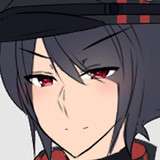
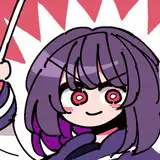
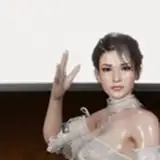
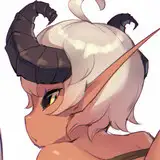
You are shown a random image that you can draw inspiration from. This is the least evolved part of the inspiration tool, as we do not have the right to use others art. Therefore, there are currently only 7 original pieces in this part of the tool, but more will be added later!
2. The Story Icons
See these symbols as abstractions, concepts to inspire your writing. One way to use these symbols is to try and build a coherent story line or just a scene or event using the meaning of all 5 symbols. A fist as an example, can symbolize the feeling of anger or determination or be associated with resisting, fight etc. - the meaning is entirely up to you to determine!
3. A Random Prompt
A random writing prompt that may inspire you.
4. The Random Word Generator
The last part shows you 3 random words that may help you add depth to what you are working on, or might spark new ideas.

When you mouse over the panel, you will see that you can select from a list of different prompt styles. This will only affect the random prompt you are shown in 3, as it will be pertaining to what your choose. Furthermore, as you mouse over each of the different parts of the inspiration tool, you may see the dice icon. If you click this you get a new random output from that part of the tool. We hope the new tool is of use to you, and look forward to your feedback!