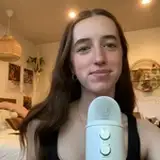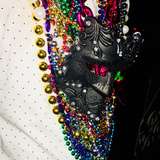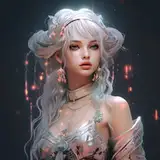
DreamO by ByteDance enables you to combine character identity, styles, and even objects using just two reference images. In this video, we go into great detail on using DreamO on Kaiju Gen, GRadio, and ComfyUI!
🔍 What You'll Learn:
• Use Kaiju Gen to test DreamO for generating consistent characters from just 1–2 images
• Combine two characters or objects into one coherent scene — no manual layering required
• Apply styles, outfits, and visual themes to AI-generated characters with DreamO’s dual-image input system
• Analyze DreamO’s performance vs. IP Adapter, Instant Character, and InfiniteYou
• Deploy DreamO on GRadio using cloud GPUs (48GB+ VRAM) with complete step-by-step walkthrough
• Set up DreamO on ComfyUI manually — including model folder setup, custom node install, and low VRAM tweaks
• Prompt tips: how to get the best results with style vs identity vs object references
• Explore differences between ID and IP reference modes — and when to use which for optimal image output
• Run on RunPod using A40, A100, and 5090 GPUs — includes Hugging Face token setup and advanced parameters
• Use DreamO for commercial-style product shots — like object-to-character generation (e.g., a mug transfer!)
Links and Resources:
Kaiju Gen: https://kaijugen.com/
Runpod: https://runpod.io?ref=49tc28ho
Runpod DreamO Template: https://runpod.io/console/deploy?template=eobtubhgc9&ref=49tc28ho
Runpod ComfyUI Template: https://runpod.io/console/deploy?template=p61ub3cnmv&ref=49tc28ho